
Once a calendar is set up, there are three ways appointments get booked — and one place to see them all.
Three ways to get booked
- Your AI agent books in chat — during a conversation, the agent offers real available slots from your calendar and books the one the customer picks.
- Customers book themselves — every saved calendar has a public booking page. Click Copy booking link in the calendar’s settings and share it anywhere; customers pick a time that works for them, in their own time zone. Choose an inbox for public bookings so each booking also opens a conversation with that customer — booking messages and reminders then work automatically.
- Your team books manually — from the Schedule view.
Reschedules and cancellations handle themselves
Every confirmation includes a personal manage link — a short URL that fits on one line in a chat — where the customer can reschedule or cancel on their own. Your calendar stays accurate without any back-and-forth.
If the booked team member has connected Google Calendar, bookings can include a Google Meet link so video appointments are ready to join.
The Schedule view
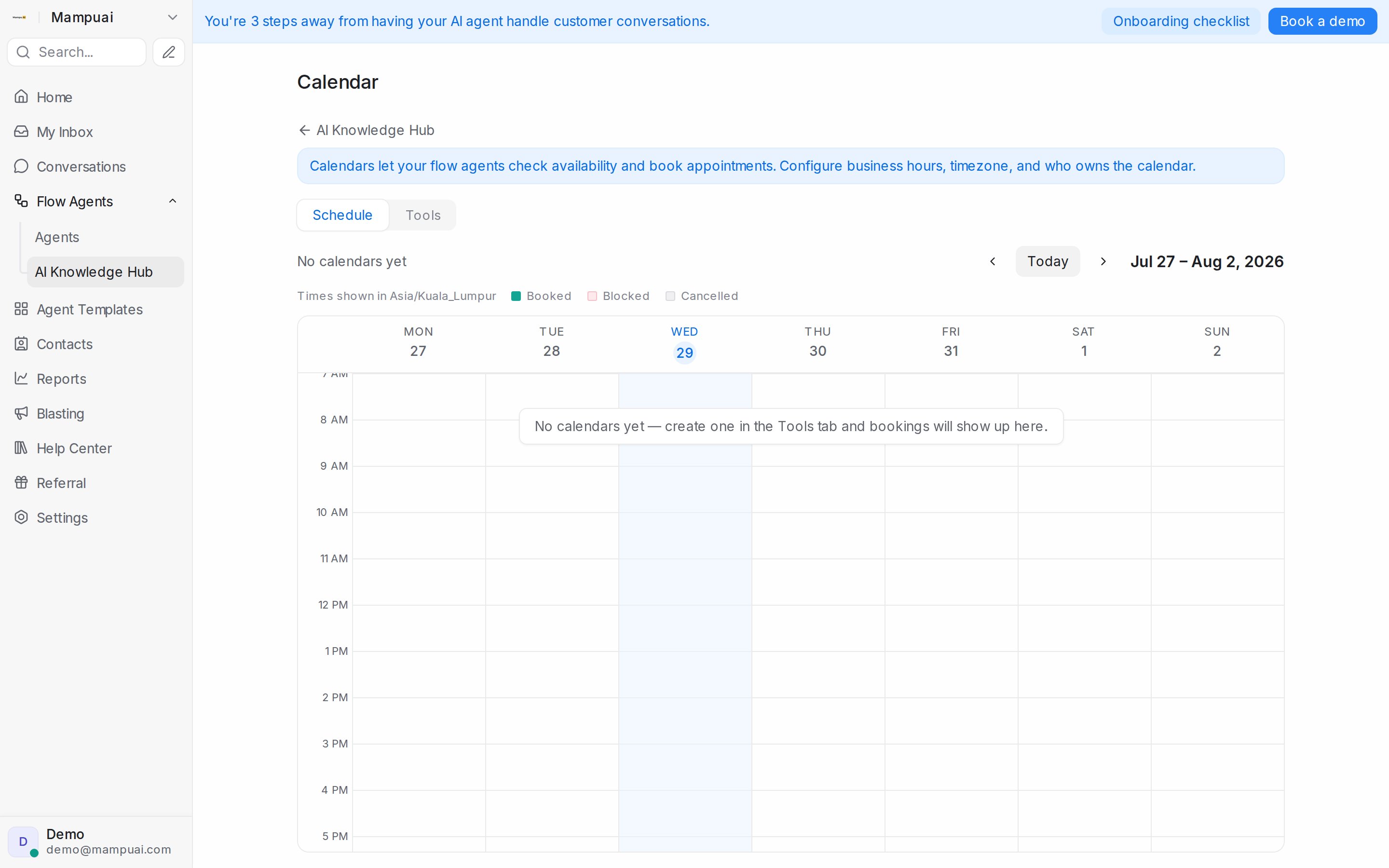
Flow Agents → AI Knowledge Hub → Calendar opens the Schedule tab: a weekly view of every appointment across your calendars, colour-coded as Booked, Blocked, or Cancelled, in your calendar’s timezone. Expand a booking to see its details — who it’s with, when, the customer’s phone number, and anything your flows collected.
Appointment details also appear in the conversation with the customer, so whoever picks up the chat has the full context.
Tip: pair calendars with Message Sequences to send automatic reminders before an appointment and follow-ups after it.