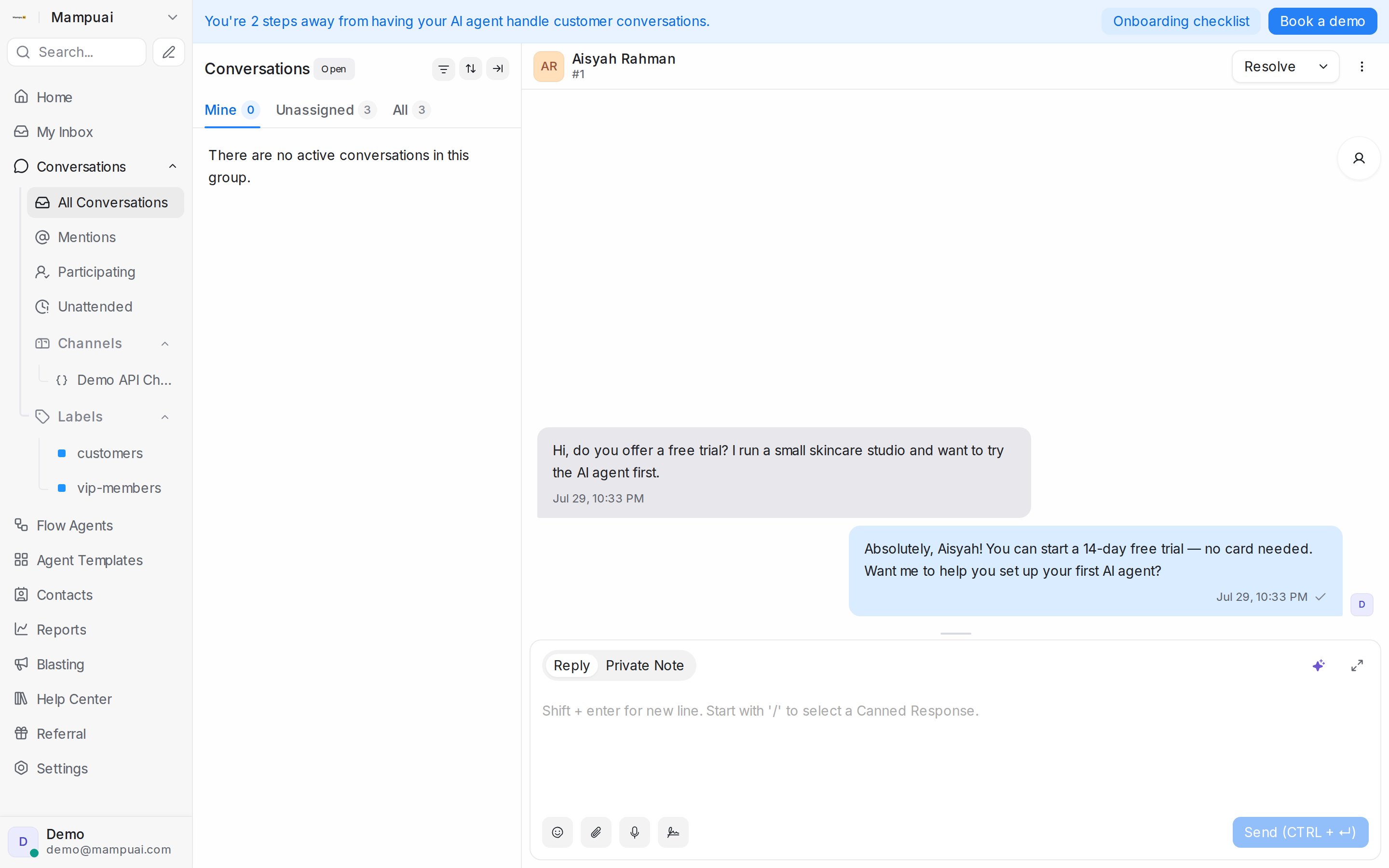
Open any conversation to see the full message thread. At the bottom you’ll find two tabs:
- Reply — your message is sent to the customer.
- Private Note — visible only to agents; use it to leave context for teammates. Mention a colleague with @ to notify them.
You can attach files, insert emojis, and insert canned responses to reply faster.
If an AI flow agent is handling the conversation, replying yourself can automatically pause it (a per-inbox setting — see Testing and connecting an agent), so you and the agent never talk over each other. Customer voice notes are transcribed for the AI agent, which replies to them like any text message.