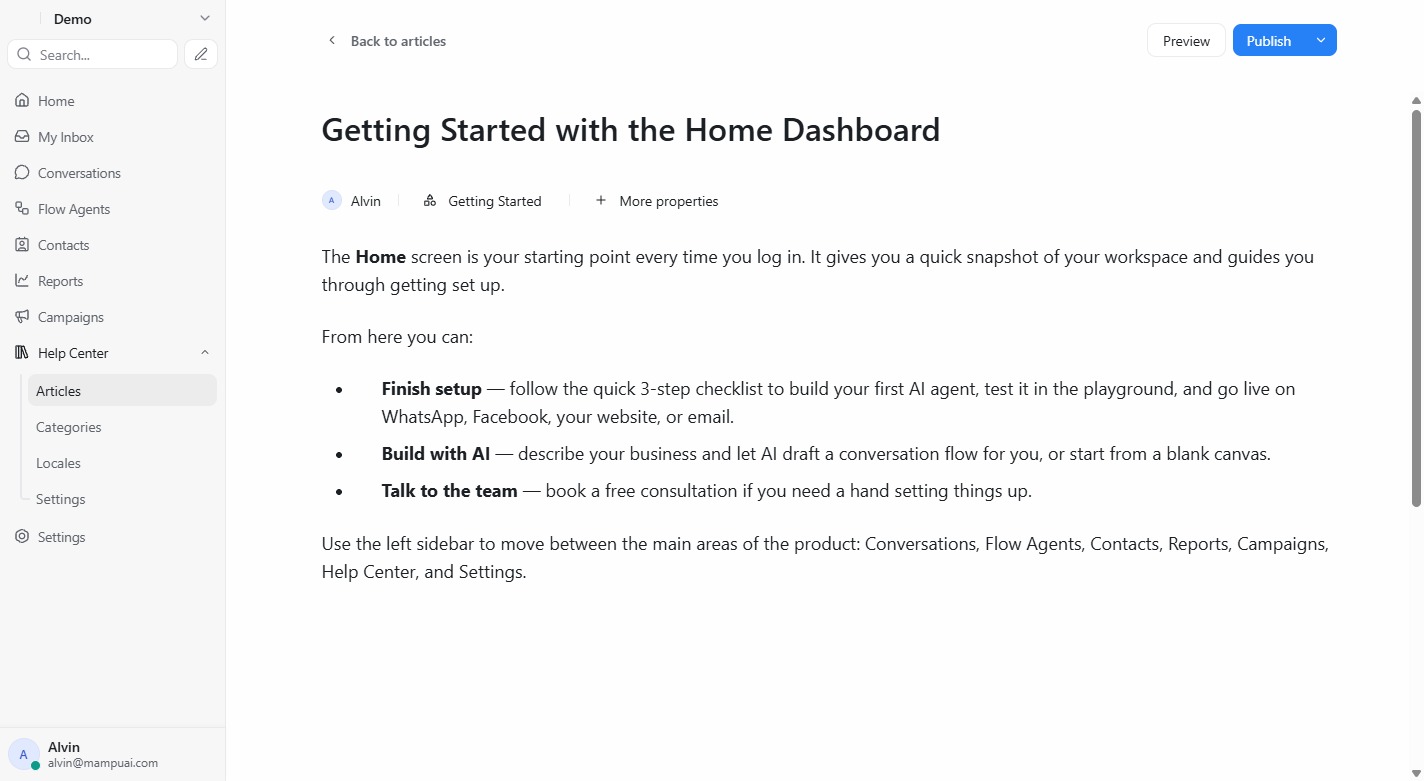
Open Articles → New article to write a help page. The editor supports rich formatting, lists, links, and images.
- Assign the article to a category and author.
- Save as Draft while you work, then Publish when it’s ready.
- Use Preview to see how it will look to customers.
Published articles appear on your public help center right away.