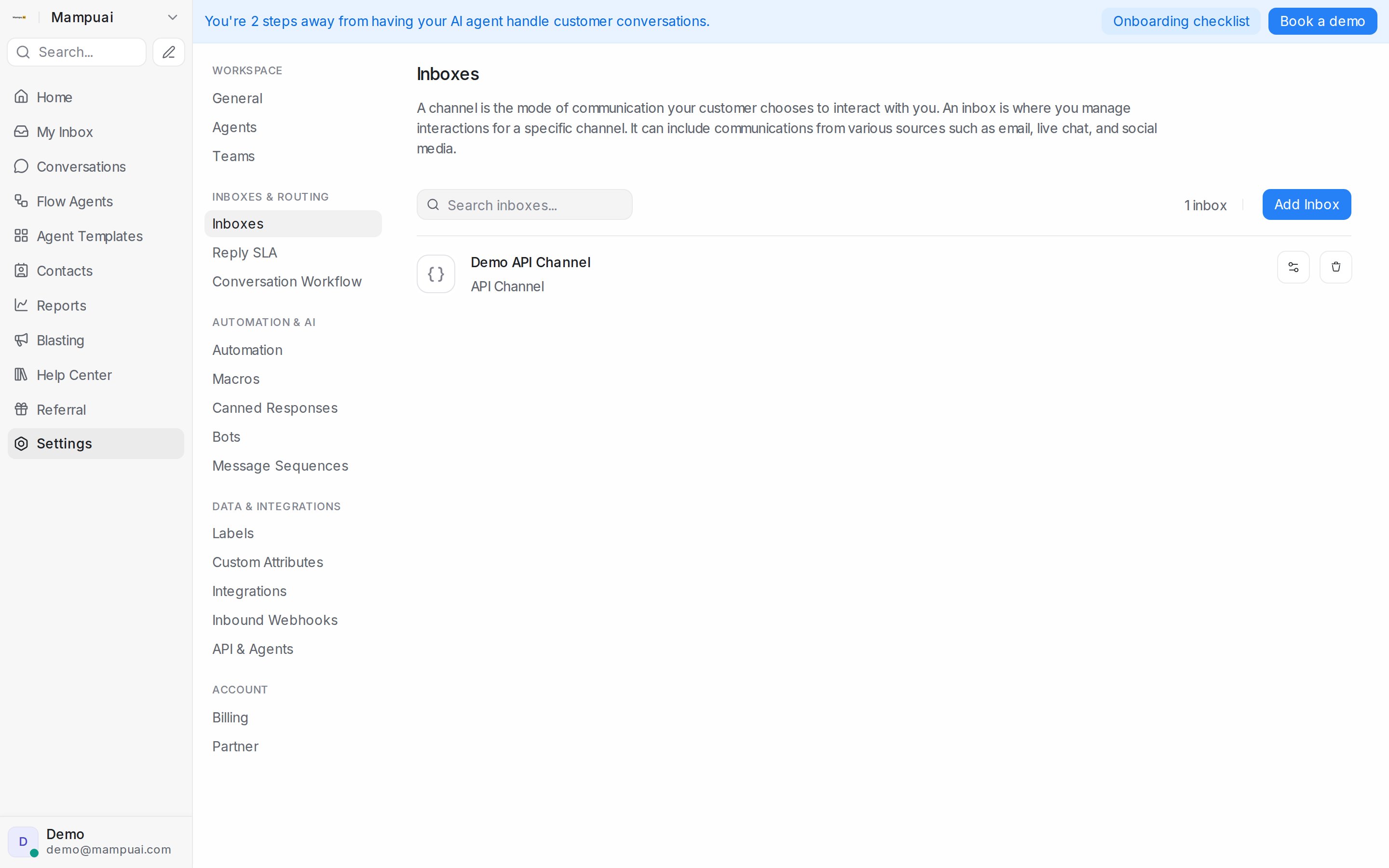
To start receiving messages, connect a channel by creating an inbox. Go to Settings → Inboxes, click Add Inbox, and choose a channel type:
- Website live chat
- WhatsApp (Business App or API)
- Facebook Messenger & Instagram
- SMS, Telegram, and more
Follow the on-screen steps for the channel you pick. Once connected, messages from that channel arrive in your Conversations inbox.