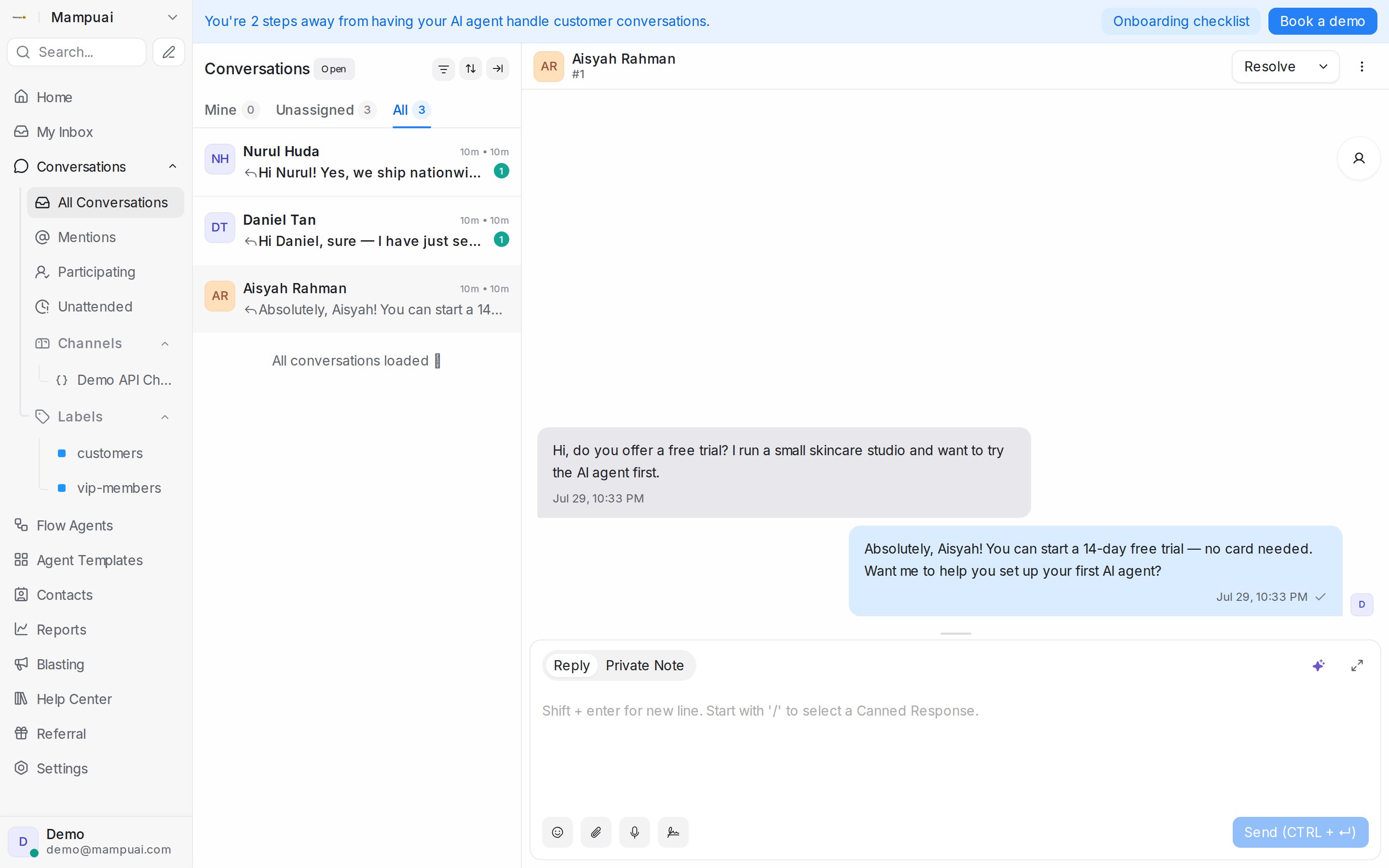
The Conversations view groups chats into folders so your team can stay focused:
- All Conversations — everything across your connected inboxes.
- Mentions — chats where a teammate @-mentioned you.
- Participating — chats you’ve joined or replied to.
- Unattended — chats still waiting for a first response.
Within a folder, the Mine / Unassigned / All tabs filter by ownership, and you can further filter by status (Open, Pending, Snoozed, Resolved).