
The Agent Reply Quality report is AI review for your team’s own replies: every outgoing reply is scored, and anything risky is flagged — so you can coach with real examples instead of spot-checking chats by hand.
Open Reports → Agent Reply Quality. Scores appear around 30 minutes after your team replies to a conversation.
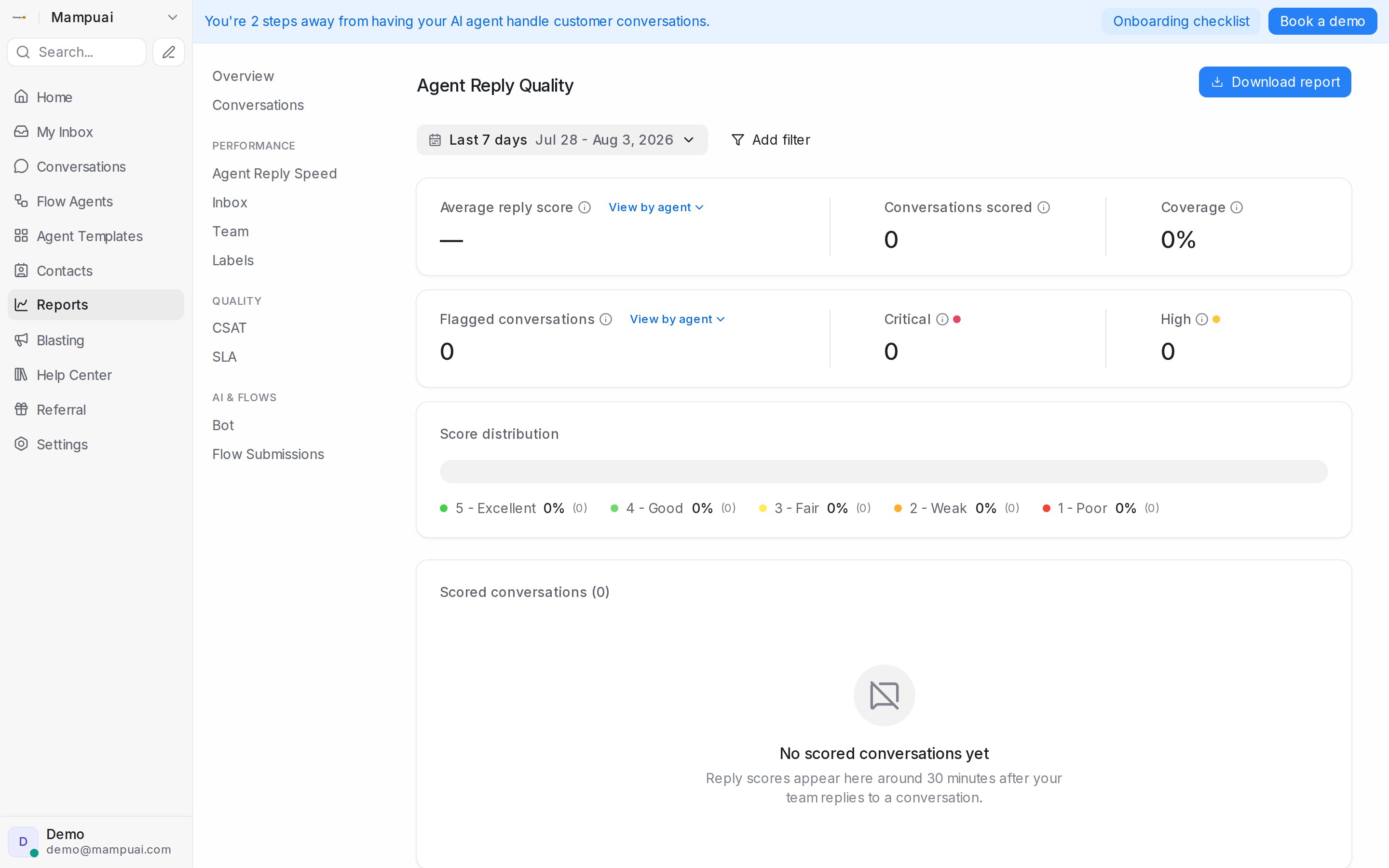
What you see
- Average reply score — overall quality from 1 (Poor) to 5 (Excellent), with a per-agent breakdown.
- Conversations scored and coverage — how much of your traffic has been reviewed.
- Flagged conversations — replies the monitor marked Critical or High, worth a look first.
- Score distribution — how your conversations spread across the five scores.
- Scored conversations — the full list, filterable by agent, inbox, team, and score, with a summary for each. Click through to read the conversation itself.
Use Download report to export the data.
Tuning what gets flagged
The monitor’s detection categories and scoring guidance are editable under Flow Agents → AI Monitoring: reword or switch off built-in categories, add your own business-specific rules, and mark findings as incorrect so the monitor learns to skip replies like them.
This report is included on higher plans.