
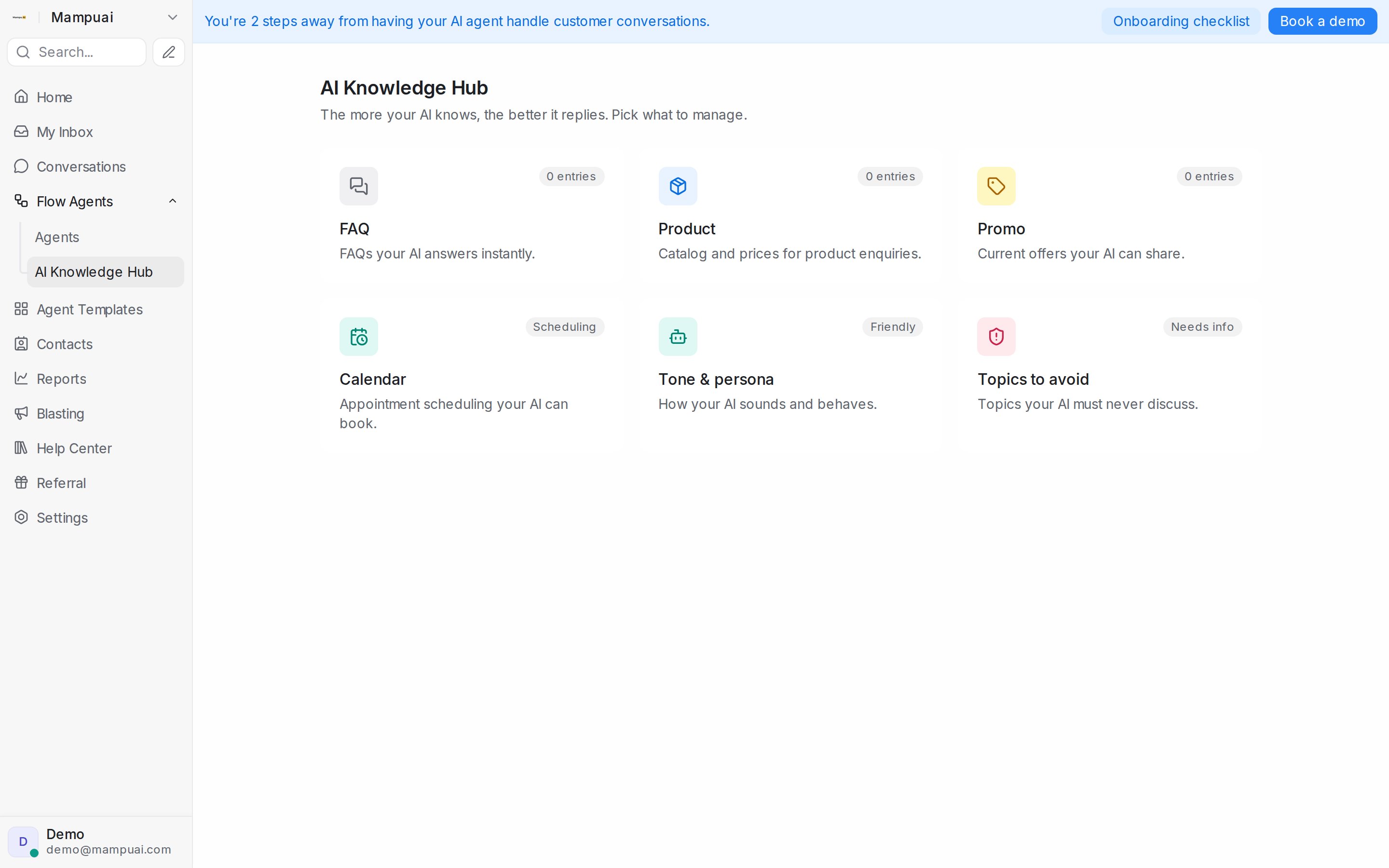
AI Knowledge is everything your agents know beyond the flow itself. Open Flow Agents → AI Knowledge Hub — the more your AI knows, the better it replies. The hub is organised into tiles:
- FAQ — questions your AI answers instantly.
- Product — your catalogue and prices, for product enquiries and recommendations.
- Promo — current offers your AI can share.
- Calendar — appointment scheduling your AI can book (guide).
- Tone & persona — how your AI sounds and behaves.
- Topics to avoid — things your AI must never discuss.
Working with FAQ entries
- Add Entry — create question-and-answer pairs.
- Import — bring in existing content in bulk. Upload a document (e.g. a Word file) and AI turns it into entries for you.
- Review entries under the All / Approved / Pending tabs — imported entries wait in Pending so you can approve them before the agent uses them.
Your knowledge powers two things: FAQ answering (the agent can answer a knowledge question at any point in a conversation, then return to the flow) and knowledge query steps you place in the flow yourself. When a customer asks several questions in one message, the agent answers each of them — in the order they were asked — before carrying on.
Entries work in any language — the agent answers in the customer’s language even if the entry was written in another.
Note: an OpenAI API key (added under Settings → Integrations → AI Providers) is required for the AI to search and use these entries.