
Register a brand-new number as a WhatsApp official (WhatsApp API) account and connect it to Mampu AI using WhatsApp Cloud and Meta’s embedded signup. Use this when the number is new and not tied to any existing WhatsApp app — the number runs entirely on WhatsApp’s official API.
Different situation? To connect a number you already use in the WhatsApp Business app, see Connecting a WhatsApp inbox. To move a number that’s already on the WhatsApp API with another provider, see Migrating an existing WhatsApp number to Mampu AI.
Before you start
- A Meta Business account (business portfolio) you can log in to.
- A phone number that can receive an SMS or phone call and is not already registered on WhatsApp or WhatsApp Business.
1. Start from the Go live checklist
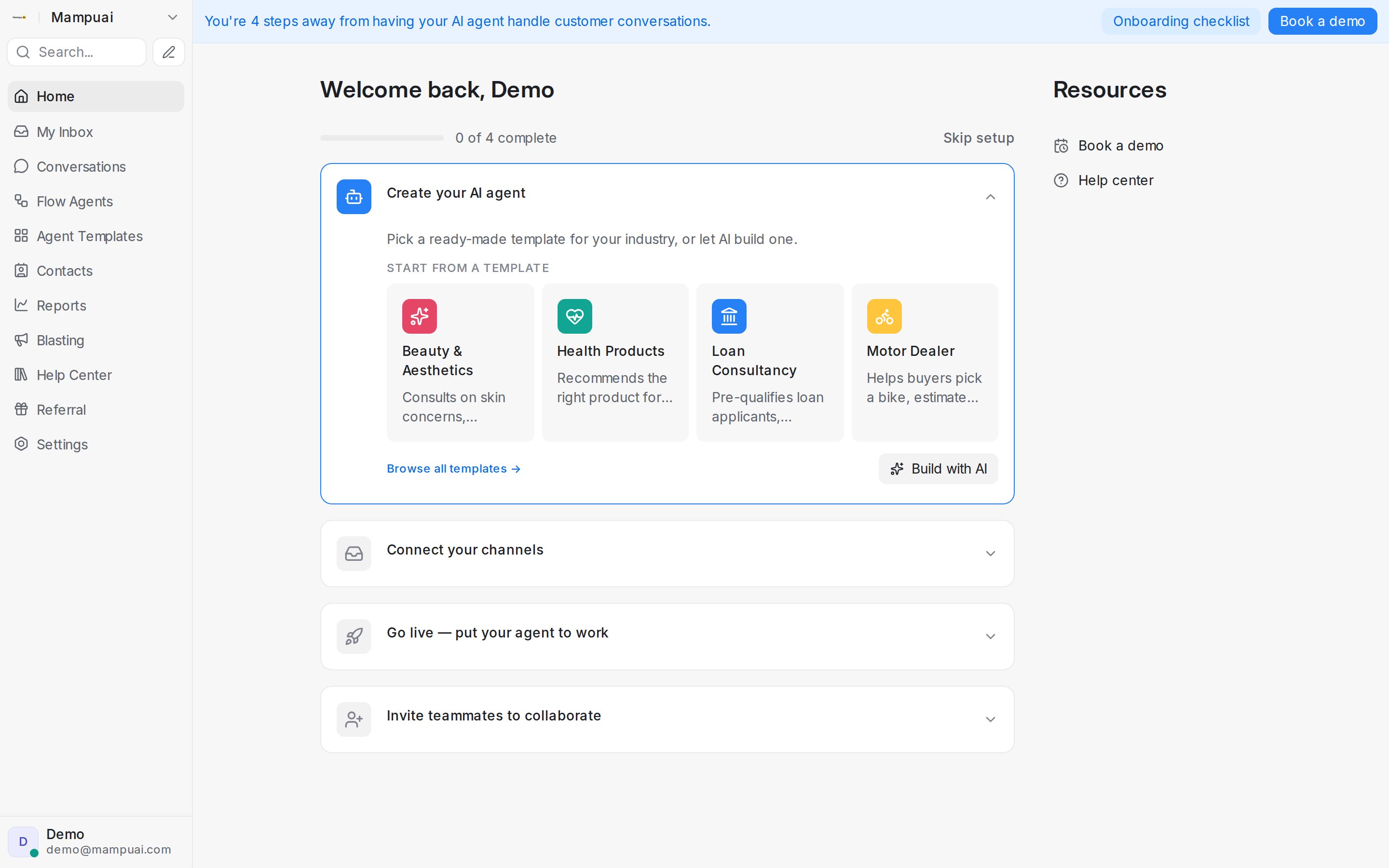
On your Mampu AI home page, the Go live setup checklist shows the step to publish your agent and connect a messaging channel.
2. Add a new inbox
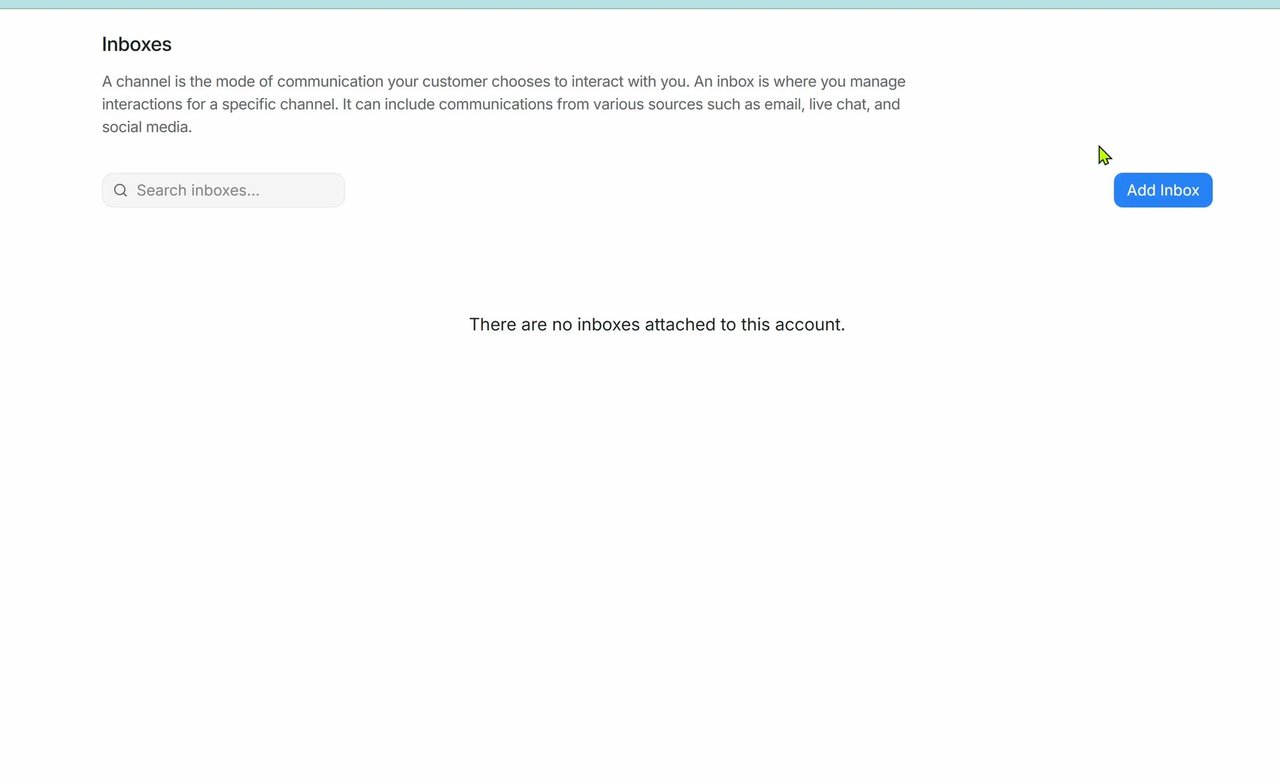
Go to Settings → Inboxes. If you have no inboxes yet, the page is empty. Click Add Inbox.
3. Choose WhatsApp and WhatsApp Cloud
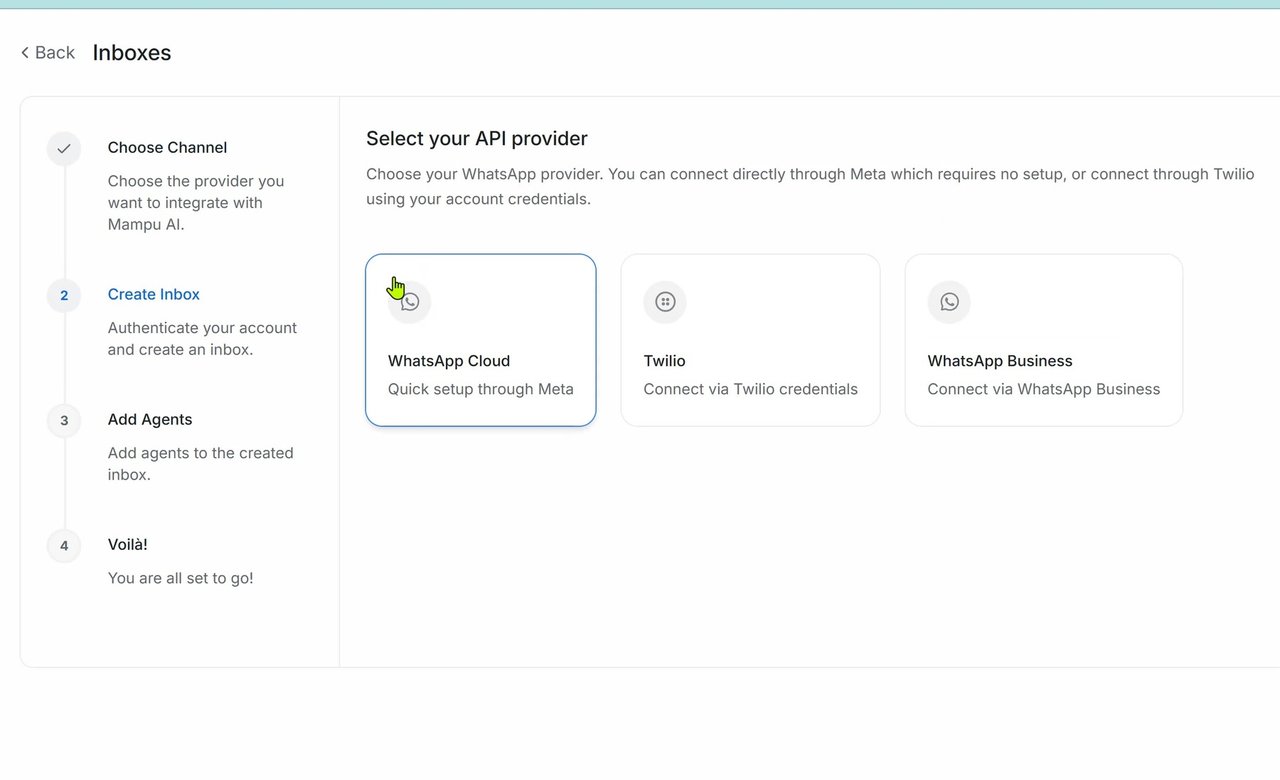
Select WhatsApp as the channel to connect. Then, for the API provider, choose WhatsApp Cloud — the quick setup option through Meta.
4. Connect with WhatsApp Business
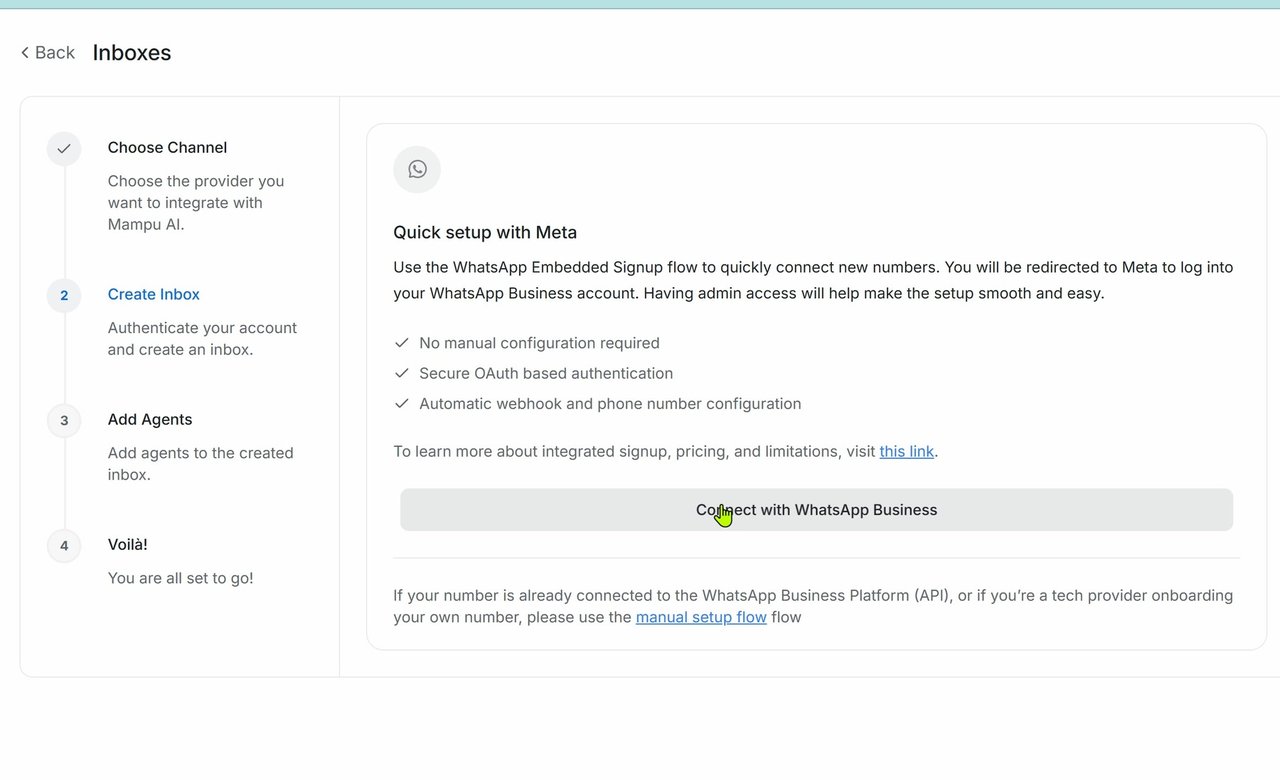
On the Quick setup with Meta page, click Connect with WhatsApp Business. This redirects you to Facebook Login for Business.
5. Continue in Facebook Login for Business
Review the partner connection, then click Continue to begin the onboarding flow.
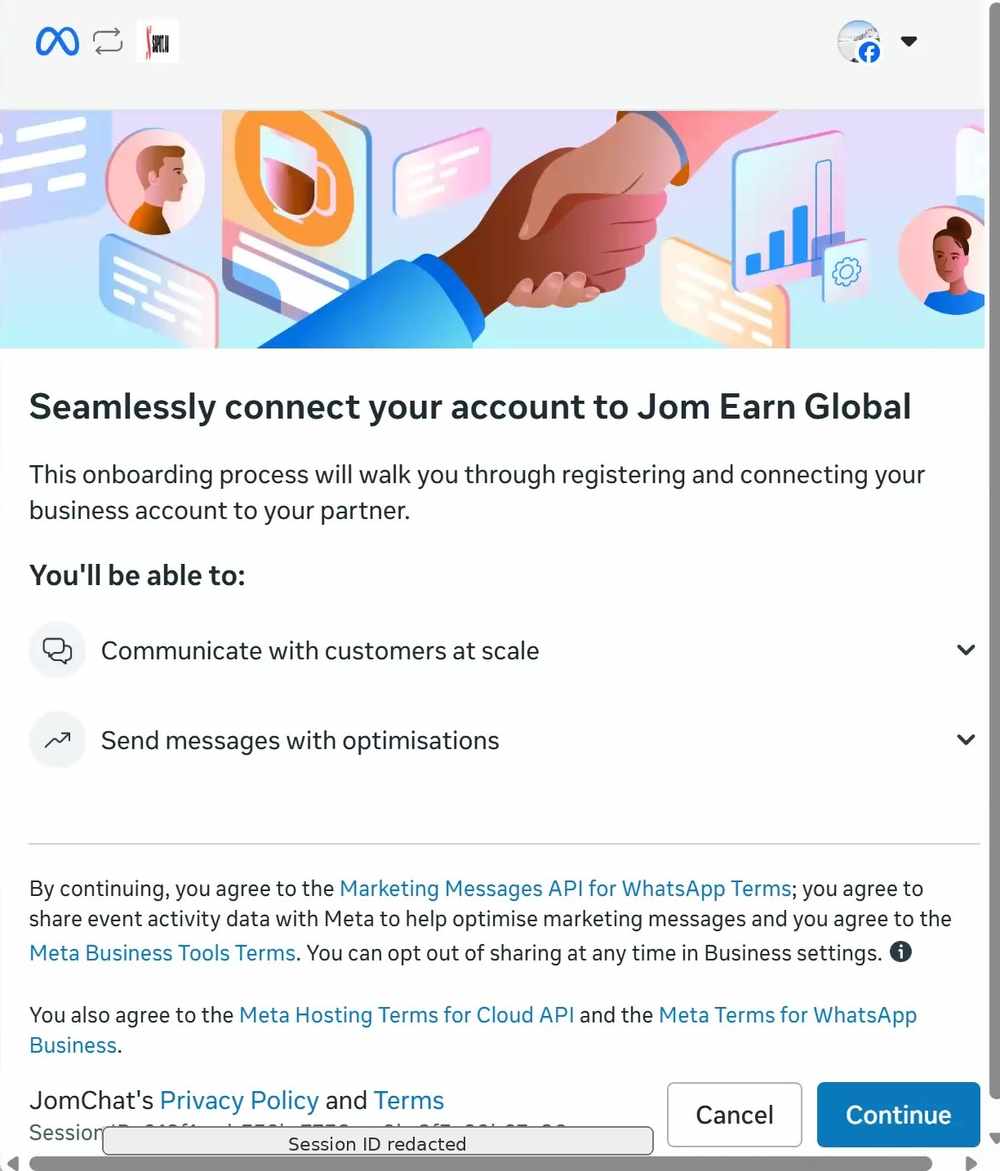
6. Create a WhatsApp Business account
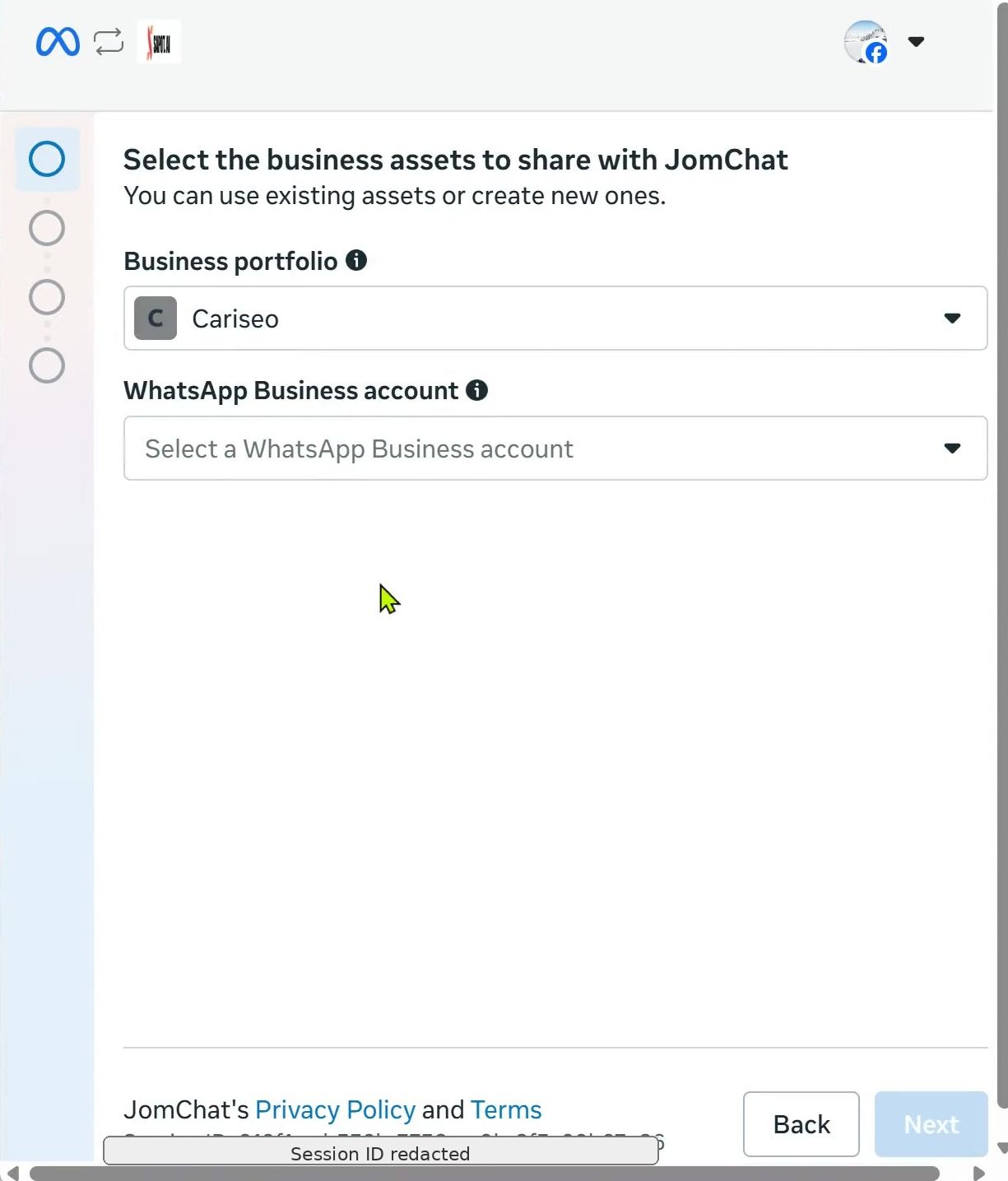
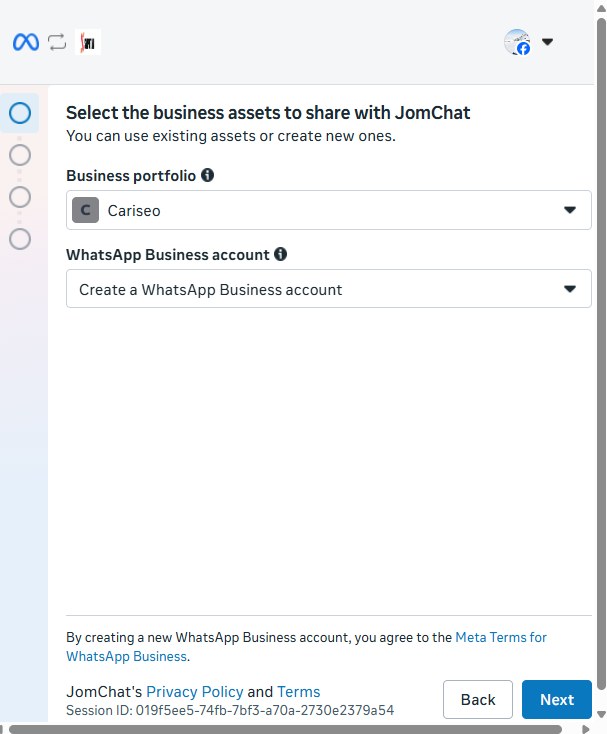
Choose the relevant business portfolio. Then, under WhatsApp Business account, select Create a WhatsApp Business account — this registers your number on WhatsApp’s official API. Click Next.
7. Set up your WhatsApp Business profile
Enter your WhatsApp Business display name and the business details Meta asks for (such as business category and timezone). This name is what customers see, so use your brand name.
8. Enter and verify the new phone number
Select the country code and enter the new phone number. Choose to receive the verification code by SMS or phone call, then enter the code Meta sends to finish registering the number.
You’re done
Once verification completes, your WhatsApp official number is connected. Incoming WhatsApp messages now appear in Mampu AI, and your AI agent can start replying. You can fine-tune the inbox anytime under Settings → Inboxes.