
A message sequence is a reusable set of follow-up messages that go out step by step — reminders, check-ins, nudges — each with its own timing and conditions. Where a blasting is one broadcast to many people at once, a sequence follows up with one customer over time, automatically.
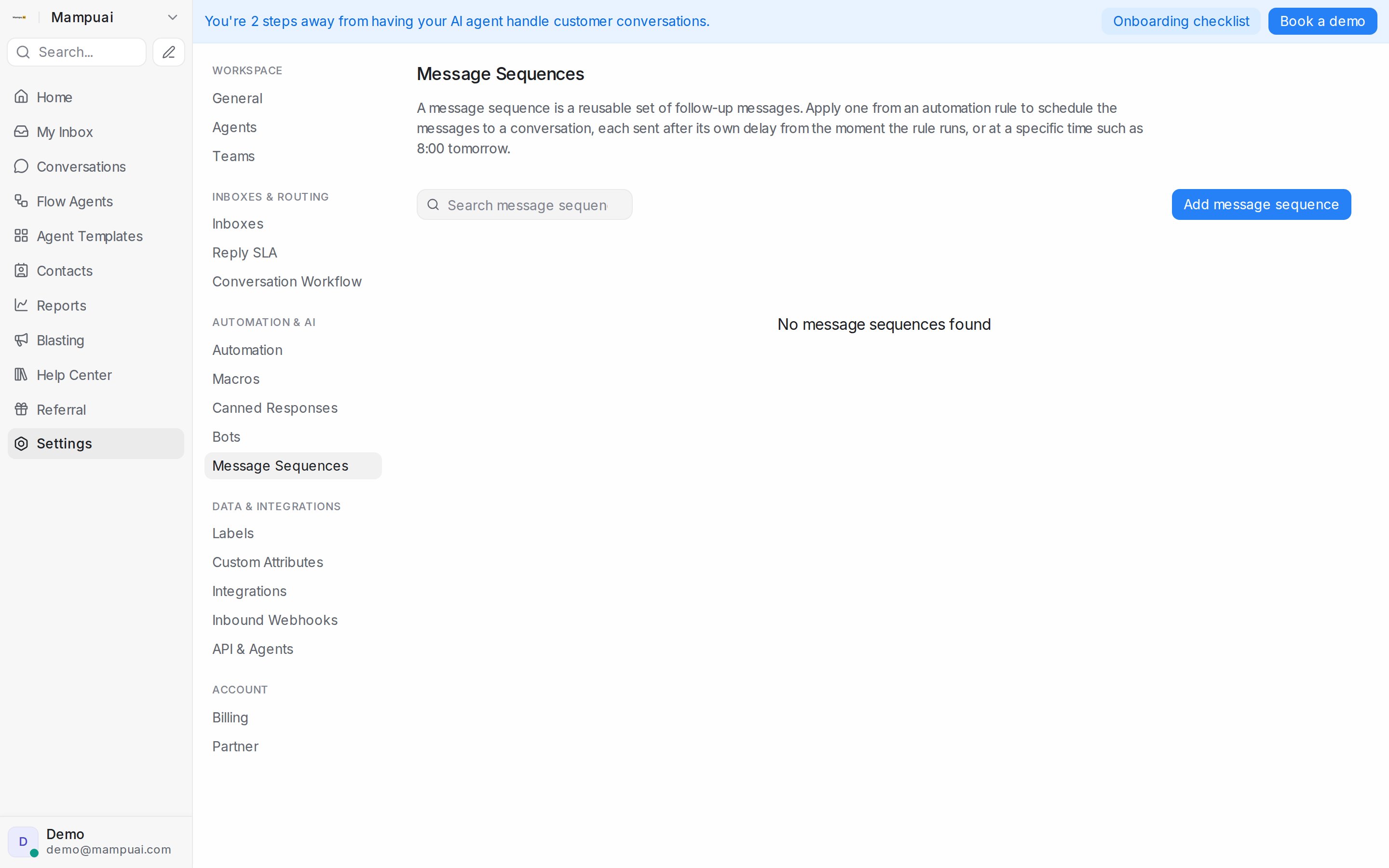
Open Settings → Message Sequences and click Add message sequence.
Triggers — when a sequence starts
- Manual — applied by your automation rules (e.g. when a conversation gets a certain label) or by inbound webhooks.
- Inactivity — starts when a conversation handled by the selected flow agents goes quiet.
- Appointment booked — starts when a booking lands on one of your calendars, so you can send confirmations, reminders before the appointment, and follow-ups after it.
Steps — what goes out, and when
Each step holds one or more messages (with media attachments if you like) and its own timing:
- After a delay — e.g. 2 days after the sequence starts.
- At a specific time — e.g. 8:00 tomorrow.
- Around a date — before or after a contact date attribute, or the appointment time for booking-triggered sequences (at booking, before the appointment, after the appointment).
Only send if…
Every step can carry conditions, checked right before that message goes out — conversation language, current date, and more. If the conversation doesn’t match, that message is skipped and the rest of the sequence continues.
WhatsApp’s 24-hour window
If a step may deliver outside WhatsApp’s 24-hour reply window, attach an approved WhatsApp template to the step and map its variables — the sequence automatically uses the template when the window is closed, so the message still arrives.
You can also control repeats with Allow again after — how many days must pass before the same message can be sent to the same conversation again.