
There are three ways to create an agent:
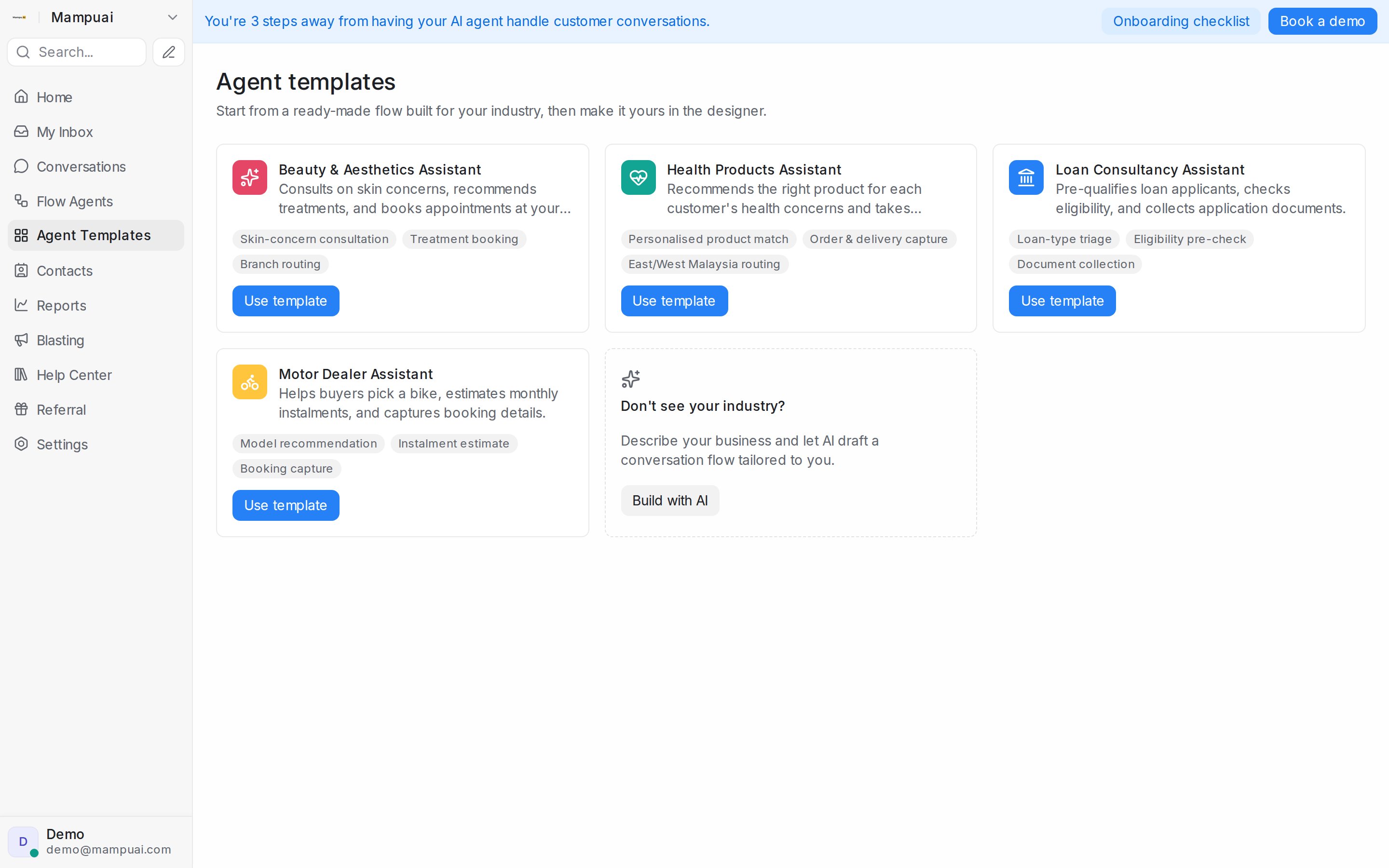
- Start from a template — open Agent Templates in the sidebar and pick a ready-made flow built for your industry (beauty, health products, loan consultancy, motor dealers, and more). Click Use template and the agent opens in the designer, ready to make yours.
- Build with AI — describe your business and what the agent should do (greet leads, qualify, share pricing, book appointments…) and AI drafts a conversation flow tailored to you. Available from the Home checklist, the templates page, and Flow Agents → Agents.
- Start from a blank canvas — design every step yourself in the designer.
Already have an agent that works well? Open its menu in Flow Agents → Agents to Duplicate it and iterate on the copy, or use Export / Import to move a flow between accounts.