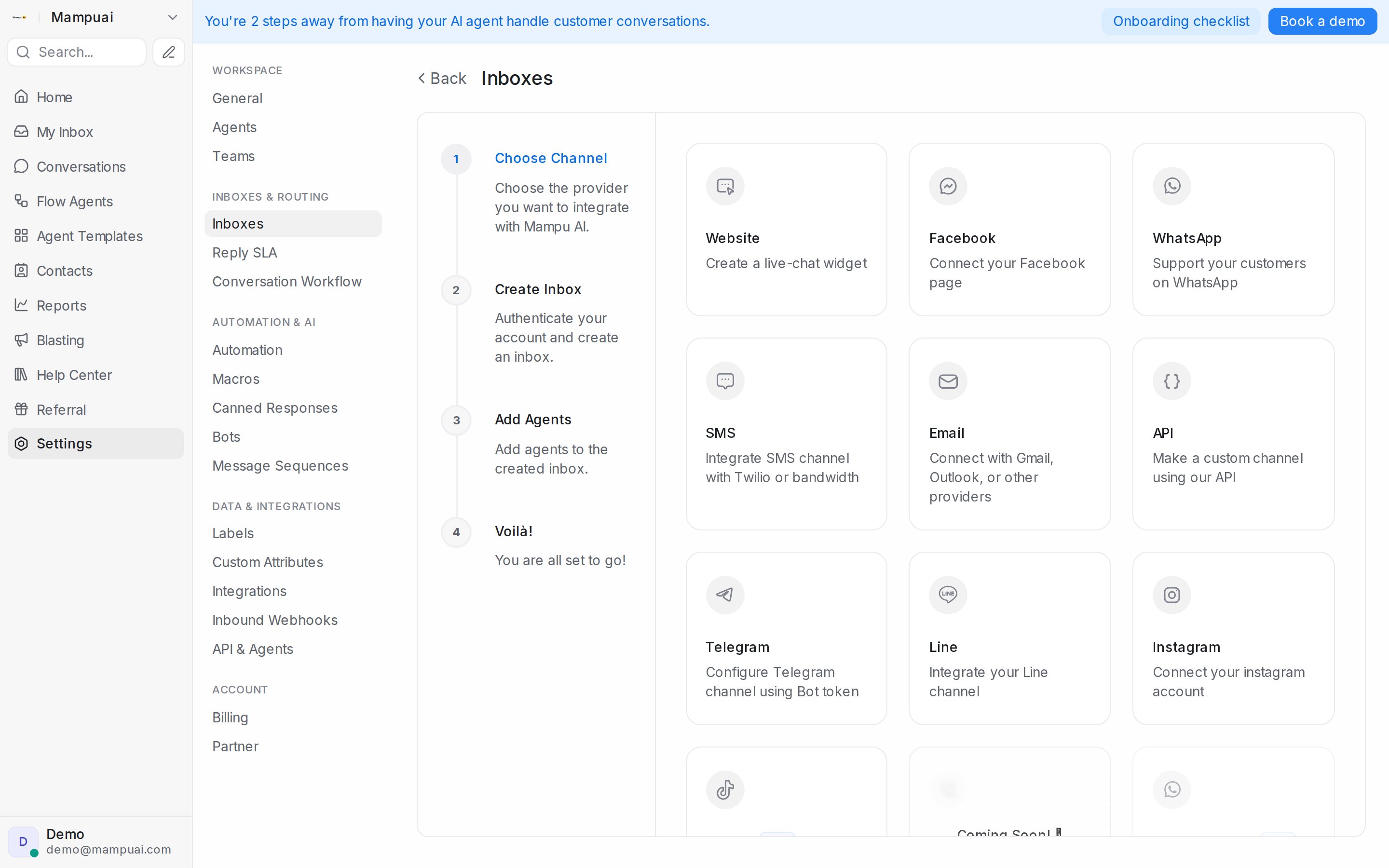
An inbox connects a communication channel to your account. Go to Settings → Inboxes and click Add Inbox, then pick a channel:
- Website — a live-chat widget for your site.
- WhatsApp — via QR scan or the official WhatsApp Cloud API (guide).
- Facebook and Instagram — connect your page and account.
- Telegram, Line, TikTok — bring your messaging apps into the same inbox.
- SMS — through Twilio or Bandwidth.
- Email — connect any mailbox with Other Providers: forward incoming mail to the address generated for the inbox, and add your IMAP and SMTP credentials in the inbox settings for full two-way email.
- API — a custom channel driven by your own systems.
Each inbox has its own settings for agents, business hours, and automation.