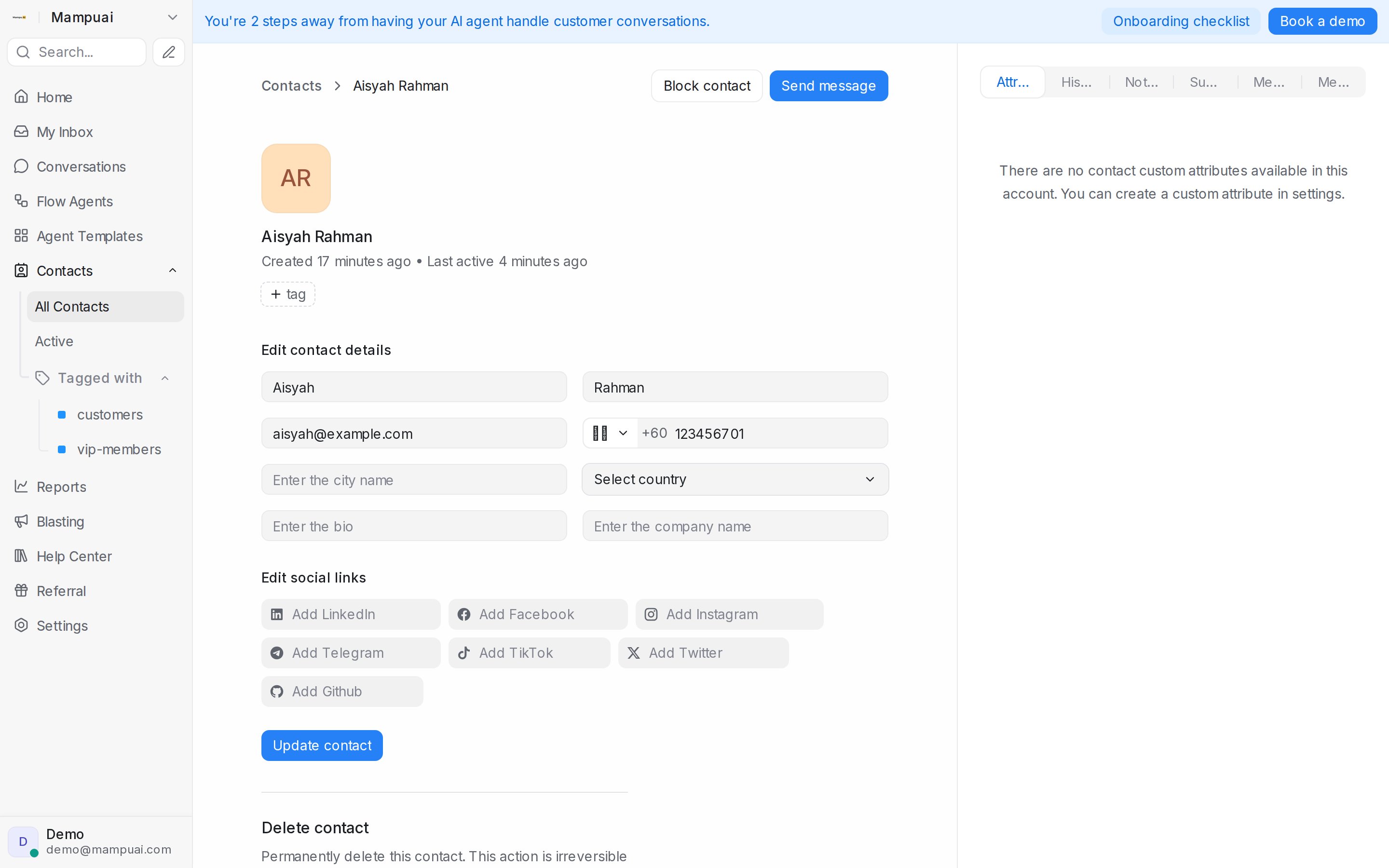
Click View details on any contact (or open them from a conversation) to see their profile. Here you can:
- Edit their name, email, phone, city, company, and bio.
- Add social links (LinkedIn, Facebook, Instagram, and more). For customers who message you on social channels, their IDs are captured automatically and shown on the profile — so you can see at a glance which Facebook or Instagram account a chat belongs to.
- Switch between the Attributes, History, Notes, and Merge tabs.
- Pause Flow Agent for this contact — the AI stops replying to them until you resume it.
Click Update contact to save your changes.