
Categories group related articles so customers can browse your portal by topic. Each language of the portal has its own categories.
Create a category
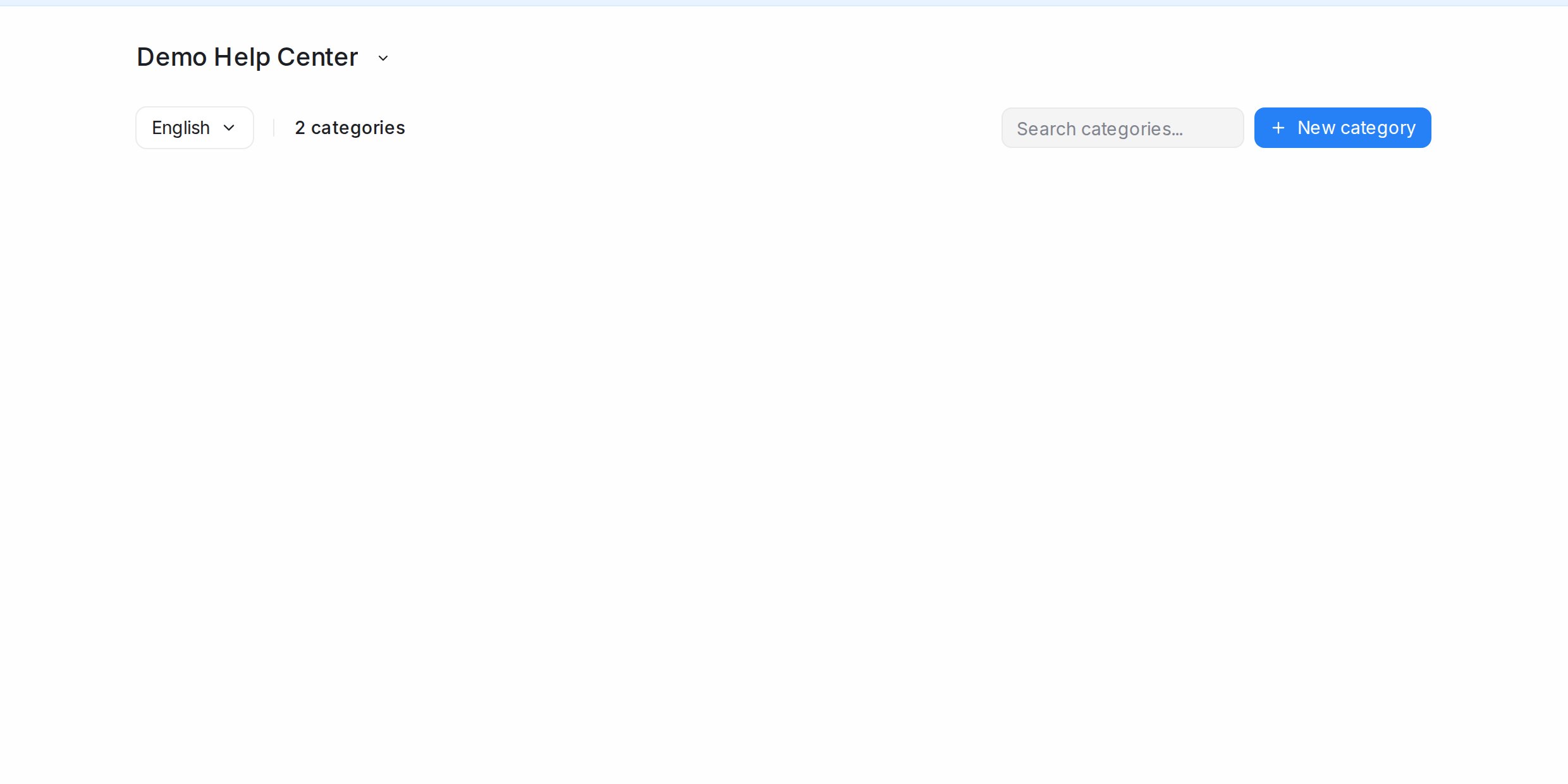
- Open Help Center → Categories and pick the language at the top.
- Click New category.
- Enter a Name (you can add an icon), a Slug for its address, and a Description shown on the portal.
- Confirm. The category appears on the portal home page once it has published articles.
Edit, order and remove
Each category has Edit category to change its details and a delete option. Drag categories to change the order they appear on the portal home page. Deleting a category leaves its articles in place without a category.
Filing articles
Pick an article’s category beside its title in the editor, or move many at once with Category in the article list’s bulk bar. Articles without a category show as Uncategorised.