
Chat analysis 读取团队在某个收件箱里最近已经回复过的会话,把它们归成若干意图(客户来询的原因)。在你要求生成草稿之前,不会创建或修改任何东西。
开始分析
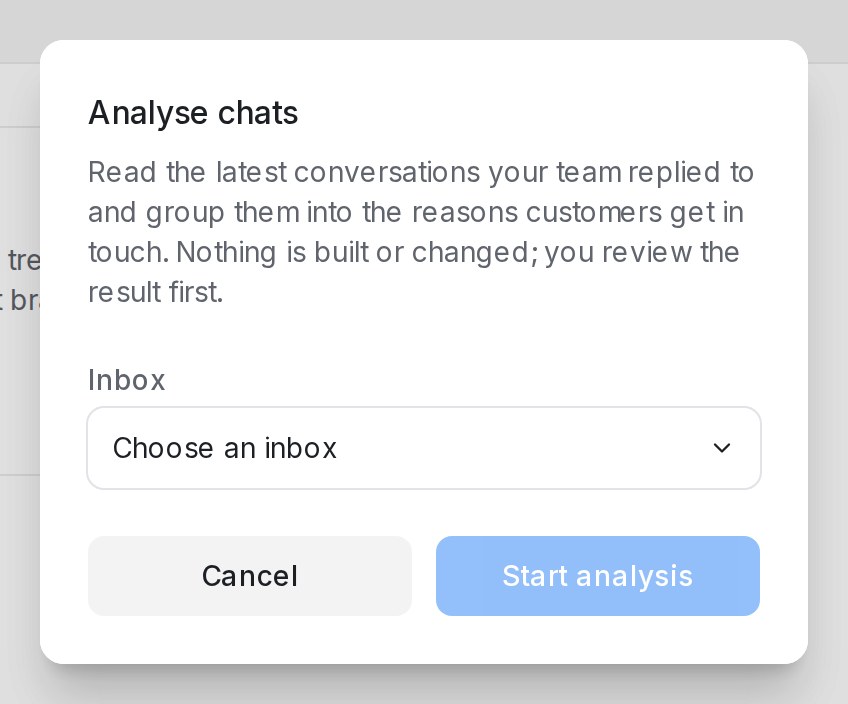
- 打开 Flow Agents,点击 Analyse chats。
- 选择 Inbox。对话框会显示有多少带团队回复的近期会话符合条件。
- 点击 Start analysis。
只读取团队里有人回复过的会话。第一次运行读取最近 30 个。你可以离开再回来:Open the latest analysis of this inbox 会带你到最近一次的结果。
阅读地图
分析状态为 Ready 后,页面顶部统计 Conversations read、Intents found、Left out as noise、could not be read 的数量,以及使用的 Languages。每个意图是一张卡片:
| 卡片上 | 显示内容 |
|---|---|
| 在样本中的占比 | 例如 30 个会话中有 12 个 |
| How customers put it | 聊天里真实的说法 |
| Your team usually asks for | 团队处理这类请求时收集的信息 |
| How your team usually answers | 典型回复 |
| Open conversation #… | 这个意图背后的每个会话 |
卡片下方的 Conversations read 列出每个会话及其语言和结果:Answered、Handed to the team、Booked、No reply 或 Unclear。不是真实请求的会话会被标为噪音:Another business’s message、Automated reply、Spam 或 Too short to tell。
Hide from the map 去掉不想放进智能体的意图;Show again 可以恢复。
扩大样本或重新运行
- Widen to 40 conversations(之后是 50)读取更多历史并重绘地图。
- Run again 对同一收件箱重新分析,比如在忙碌的一个月之后。
把地图变成智能体草稿
点击 Draft agent。你会得到一个围绕客户来询主要原因搭建的 Flow 智能体草稿,原因分散时则做成菜单。较小的意图会变成 AI Knowledge 里的 FAQ 草稿;隐藏的意图不会纳入。Open draft agent 会在设计器中打开它。
草稿不连接任何收件箱,在你发布之前不会回复任何人。请先在 Playground 里检查,并在 Review FAQ drafts 中审核 FAQ 草稿;参见管理 AI Knowledge。
出现问题时
| 提示 | 处理方法 |
|---|---|
| No intents came out of these conversations | 扩大样本或换一个更活跃的收件箱 |
| The analysis stopped before finishing / The draft could not be written | 稍后再运行一次 |
| Chat analysis is not available for this account yet | 你的套餐尚未开通此功能 |